
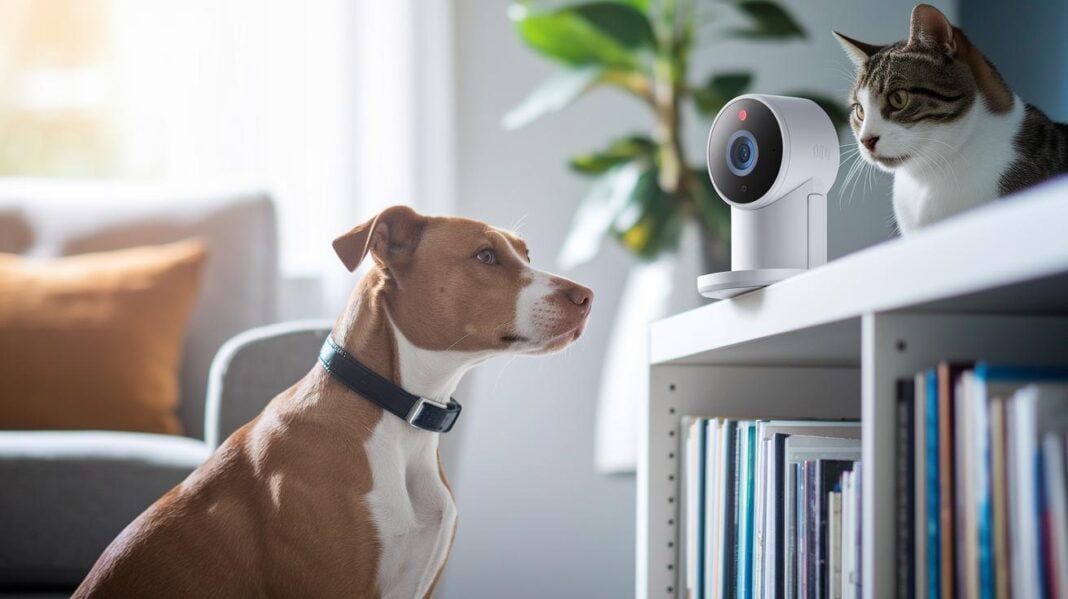
Quick verdict: A smart pet camera lets you check on your pet as easily as checking your phone. It streams clear video, sends real-time alerts, and even lets you talk back, keeping you close even when you are away.
At a glance:
- Uses your WiFi, built-in sensors, and two-way audio.
- Shows live, high-resolution video.
- Offers motion alerts to keep you updated.
Why we tested it:
We wanted to see how well these cameras work in keeping you connected with your pet when you're not home. We looked at video quality, audio clarity, and how fast the motion alerts arrived.
Pros:
- Easy setup and use
- Clear live video feed
- Instant motion alerts
Cons:
- May need a steady WiFi connection for best performance
How we tested:
We installed the camera in a busy living area and watched how it handled real-life pet movements. We checked the video clarity, tested the two-way audio, and timed how quickly the motion alerts popped up.
Bottom line:
A smart pet camera is a handy tool for busy pet owners who want to keep an eye on their furry friends. If you value clear video and quick updates, this could be just what you need.
Inside Smart Pet Camera Operation: Core Connectivity and Functionality
Smart pet cameras connect to your home WiFi, usually on a 5 GHz network, and send live video directly to your smartphone or computer. They pack together a camera, wireless chips, and built-in software into one compact unit. Picture it like a mini movie studio that records clear video (1080p to 2K) so you can watch your pet play no matter where you are.
These cameras keep an eye on your pet using wireless sensors that track movement and sounds. When they pick up activity, you get an alert and can instantly check your dedicated app. Many models also work as home security cameras so you can monitor both your pet and your home.
A steady WiFi connection is essential for smooth streaming and real-time updates. Many smart pet cameras come with two-way audio that lets you speak to your pet remotely, giving you peace of mind whether you are at work or on vacation.
Smart Pet Camera Components: Cameras, Sensors, and Interactive Tools
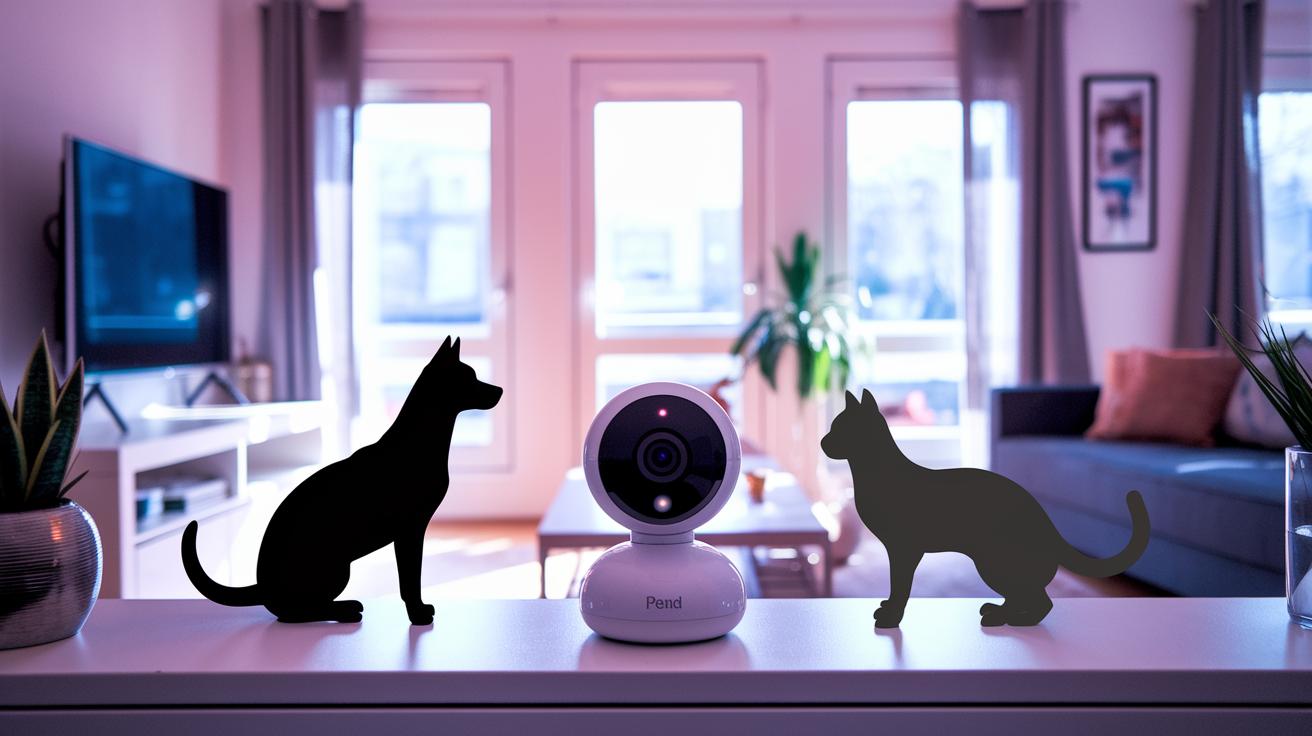
Smart pet cameras come with high-resolution cameras and smart sensors that record every moment of your pet's fun. Many models use 1080p or 2K Ultra HD lenses to show clear images in both bright light and low light, thanks to infrared night vision. Some cameras even capture a wide or full 360° view so you can see your pet’s whole environment. Motion detectors and simple AI sensors notice even tiny moves, so you never miss a playful jump or curious look.
These cameras also let you talk to your pet using built-in speakers and microphones. You can soothe a nervous pet or simply say, "Hey buddy, come here." Imagine the fun of hearing your pet bark back at you!
Some cameras go a step further by adding automatic treat dispensers. With a simple command, these gadgets drop treats that are great for training or cheering up a grumpy cat. A mobile app usually acts as the control center, where you can change settings, replay moments, and set up play sessions.
With built-in WiFi, these smart devices join your home network easily. This connection links the handy hardware with simple software, giving you a truly interactive pet experience. Every part works together to bring real innovation to the way you care for your pet.
Setting Up Your Smart Pet Camera: Installation and Network Tips
Start by plugging in the camera and turning it on. When it lights up, download the camera maker's app on your phone or computer. Most cameras need you to scan a QR code found on the box or on the unit, much like scanning a gift card at checkout.
Next, set up your camera on your home WiFi. We recommend using the 5 GHz network since it provides faster, more stable streaming than 2.4 GHz. Follow the steps in the app to finish your network setup. Here is a quick guide:
- Plug in the camera.
- Download the maker's app.
- Scan the camera’s QR code.
- Connect to your 5 GHz WiFi network.
Place the camera at or just above your pet’s eye level for a clear view of their activities.
If you notice any lag or get connection errors, check your router’s range or look for any interference. Adjust the router’s position or try using a signal extender to improve the connection.
Monitoring and Interaction: Live Feed and Engagement Features
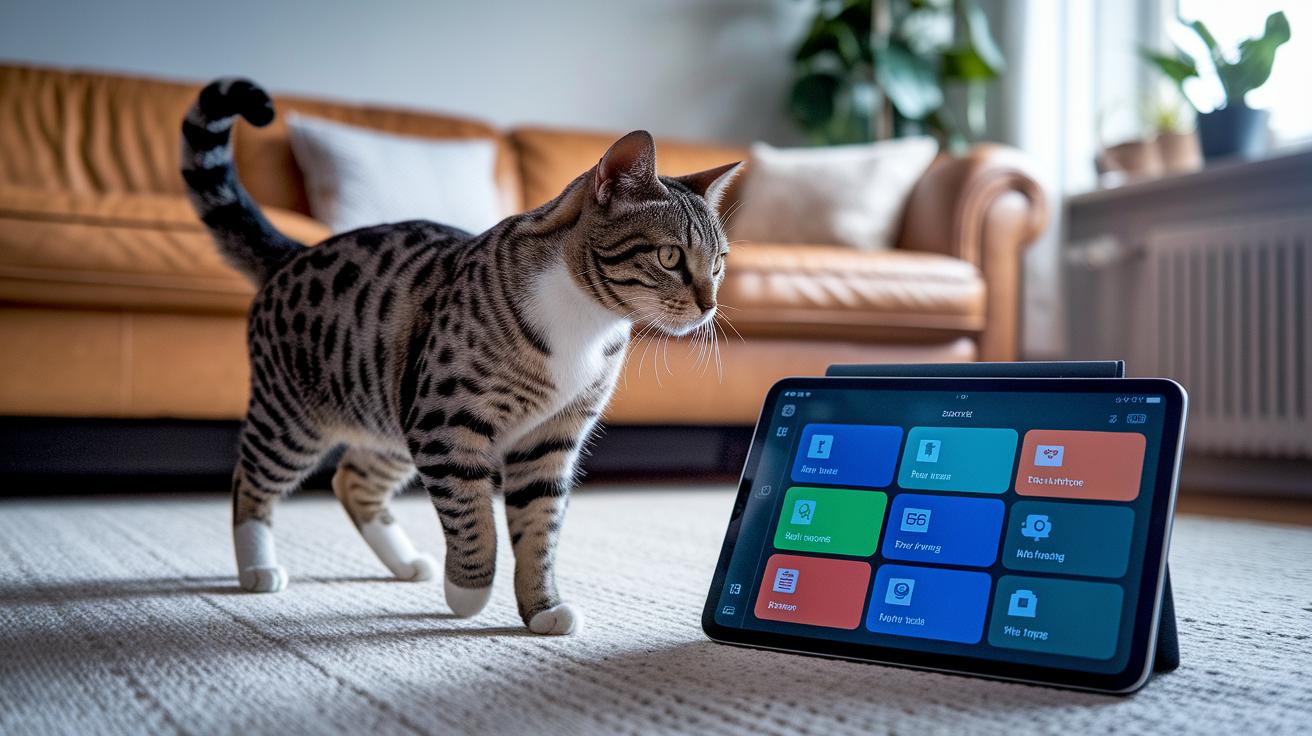
Recent sensor upgrades can now tell the difference between playful actions and signs of distress. One pet owner said, "When my cat started pacing before naptime, the camera’s better motion detection told me to check in, which helped calm her."
The app has also been redesigned. The new layout shows live feeds and alerts in real time so you get important updates fast without having to sort through extra details like 1080p or standard night mode. It features a clear dashboard that points out which sensor noticed something unusual. Our improved system picks up not just movement but changes in behavior.
The treat-dispensing system now works with your pet's level of engagement. For instance, if your dog looks excited on the live feed, the system might automatically toss a treat, helping to ease separation anxiety with a bit of interactive play.
- Advanced sensor software tells apart normal activity from signs of distress
- The new app setup makes alerts and live videos easy to view
- The treat system adjusts the drop rate based on pet interaction
- Enhanced connectivity delivers near-instant feedback
| Feature | Innovation |
|---|---|
| Sensor Technology | Adaptive motion detection that recognizes behavior changes |
| User Interface | Clear dashboard for real-time insights |
| Interactive Tools | Treat mechanism that adjusts drop rate to pet engagement |
How do smart pet cameras work: See Innovation
New pet cameras mix smart picture tools with easy-to-use sensors to watch your pet all day. They use computer tricks (AI) to tell your pets apart, which is especially handy if you have more than one. The camera keeps a record of how your pet moves and acts so it knows what is normal.
The camera’s motion sensors and tracking work together to follow your pet around. It spots when your pet acts differently. For example, if your dog paces more than usual, the camera sends you an alert. This warning might mean your pet is stressed, in pain, or even having tummy troubles.
But these cameras do more than show you live video. They gather long-term notes on your pet’s behavior. Over time, you can review changes like increased restlessness or a changed walk, which may mean it’s time for a vet visit.
- Intelligent sensor monitoring picks up small behavior shifts.
- AI driven animal recognition tells your pets apart.
- Predictive behavior analytics flag changes that might affect health.
Troubleshooting Smart Pet Camera Issues: Ensuring Reliable Performance

Many pet owners run into problems like the camera showing "offline" messages, a choppy feed, or notifications that come in slowly. If your camera stops showing live video or alerts show up late, it might be a sign of a weak connection or old firmware. A quick fix is to reboot both your router and your camera. This simple step can clear up glitches and get things running smoothly again.
Next, check if your router is set to the 5 GHz network. A 5 GHz connection streams video faster and more reliably than a 2.4 GHz one. Also, make sure your camera has the latest firmware. Updates often fix bugs, improve performance, and boost security. Installing the newest firmware might stop the laggy feed and keep your camera online.
- Unplug your router and camera for 30 seconds, then plug them back in.
- Confirm that your router is on the 5 GHz network.
- Install any new firmware updates via the camera’s app.
- Review your encryption settings to make sure your connection is secure.
| Issue | Fix |
|---|---|
| Camera offline | Restart devices and check network |
| Laggy feed | Update firmware and verify connection |
By following these steps, you can keep your pet camera securely connected and working at its best.
Integrating Smart Pet Cameras into Your Smart Home Ecosystem
These cameras easily connect to your smart home system. They work with devices like Alexa and Google Home so you can use voice commands. You can simply say, "Hey Alexa, show me my pet," and get a live feed right on your phone.
Most of these cameras use a subscription service that stores video clips for 30 to 60 days. This means if something unexpected happens, you can look back at the footage. Plus, you get real-time alerts on your phone that can even trigger other smart devices like lights or plugs.
Pairing your camera with other smart gadgets, like a pet door, makes home management a breeze. You can control when your pet goes in or out without having to be there in person. For a cool example of how this works, check out the Hi Tech Pet Door Integration.
- Hands-free voice commands for quick control
- Cloud storage that saves up to 60 days of footage
- Mobile alerts that can trigger smart devices
- Remote control options for added convenience
- Improved home security with smart pet door integration
Final Words
In the action, you’ve seen how do smart pet cameras work and why they matter. We broke down the core connectivity, interactive features, and AI insights that keep your pet’s space secure and engaging. The setup tips and troubleshooting advice show you how to make the most of your camera. With smart home integration and easy-to-follow guides, you have the tools you need for safe, reliable monitoring. Enjoy a smarter, more connected way to look after your furry friends.
FAQ
How do smart pet cameras work for dogs?
The smart pet camera for dogs connects to your home WiFi, streams live video, and uses built-in sensors to trigger motion or sound alerts. Two-way audio lets you talk to your dog remotely.
How do smart pet cameras work for cats?
The smart pet camera for cats works just like one for dogs by connecting to your WiFi to stream live video. It also detects pet activity and allows two-way audio to interact with your cat.
What is an automatic dog feeder with camera?
An automatic dog feeder with a camera dispenses food on set schedules while you monitor your dog with live video. It allows remote feeding and offers peace of mind through real-time alerts.
What is a smart pet fountain?
A smart pet fountain is a water dispenser designed for pets. It maintains a continuous flow of clean water, often with sensor alerts and filter monitoring, ensuring your pet stays well-hydrated.
What is the PETLIBRO automatic cat feeder with camera?
The PETLIBRO automatic cat feeder with camera combines a feeding system with a live streaming camera. It lets you watch your cat during mealtime while managing portion sizes via a connected app.
What is the Granary camera monitoring feeder?
The Granary camera monitoring feeder records your pet’s eating habits by combining a food dispenser with a built-in camera. It streams live video and sends alerts, helping you track feeding routines.
What is the PETLIBRO Granary WiFi Automatic Cat Dog Feeder with Camera 3 pet food Desiccant bags White 5 L?
This PETLIBRO model integrates WiFi, an automatic feeder, and a camera. It monitors feeding, controls portions for both cats and dogs, and uses desiccant bags to keep food fresh, all via a smartphone app.
What is the Glacier pet fountain?
The Glacier pet fountain is a smart water dispenser that provides a constant flow of fresh water. It features quiet operation, easy-clean filters, and sometimes alerts for maintenance to keep your pet hydrated.
How does a pet camera work without a subscription?
A pet camera without a subscription typically saves videos locally or sends them directly to your smartphone. It operates without cloud storage fees, though you may lose some advanced remote features.
What triggers a trail camera to take a picture?
A trail camera takes a picture when its built-in motion sensor detects movement. This sensor picks up changes in light or motion, then automatically triggers the camera to capture a still image or video.
Do dog cameras record all the time?
Dog cameras usually do not record continuously. They are designed to trigger recordings only when motion or sound is detected, conserving battery life and storage by capturing only key moments.
Do pet cameras work without Wi-Fi?
Most pet cameras need WiFi to stream video and send alerts. While some can record locally without WiFi, they lose remote viewing features and live interaction without a stable network connection.