
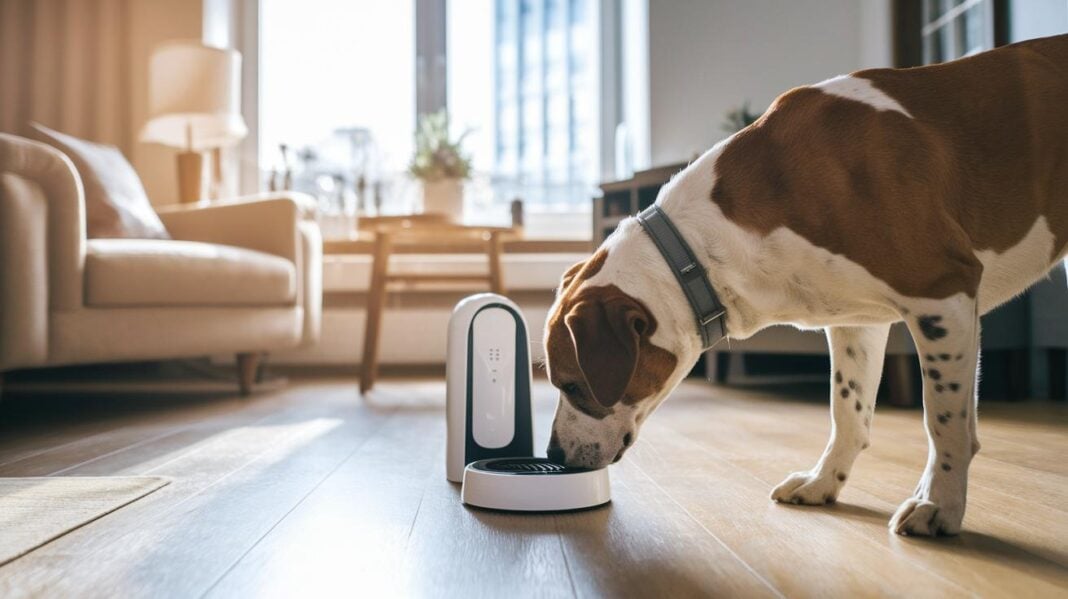
Ever thought about mixing pet gadgets with your smart home? Picture your dog's feeder, camera, and door all working together neatly.
This guide shows you how to connect your pet devices to your home system so everyday routines run smoother and your pet stays safe. We break down the process, from picking a fast and steady internet connection to a simple, step-by-step setup.
Find out how easy it is to bring your pet tech into the digital age.
Integrating Pet Tech with Your Smart Home: A Step-by-Step Guide
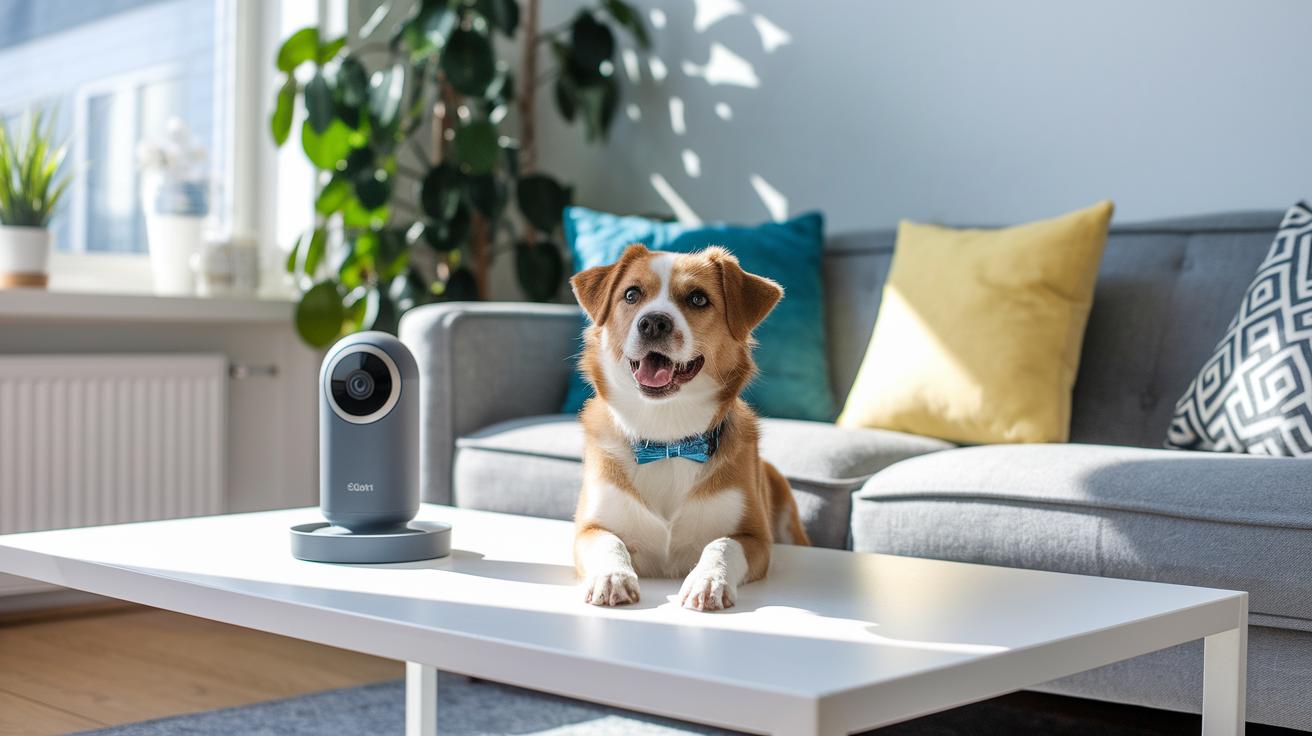
Make sure you have a fast, always-on internet connection (fiber or broadband). Without strong internet, your pet gadgets and smart home devices might lag or cut out. A reliable connection is the key to smart pet tech integration.
Pick pet gadgets that work well with your setup. Think of items like feeders, cameras, doors, and trackers. Make sure they support popular wireless standards like 2.4 GHz Wi-Fi, Bluetooth (short-range wireless communication), or the new Matter protocol. For example, choose a feeder that links with your smart hub so scheduling meals is easy.
Connect each gadget to your home Wi-Fi network. It works like setting up your phone: open the device’s app, follow the on-screen steps, and allow any needed permissions. Also, check for firmware updates (software that controls your device) before you add it to your smart home hub. These updates help keep your devices safe and running well.
Once your devices are online, add them to your smart home hub, whether it’s Alexa, Google Home, or HomeKit. Make sure each gadget shows up in the hub’s app. This step is important because it lets you control them and set up routines later.
Set up routines that match your pet’s lifestyle. For instance, you might program the pet camera to start recording as soon as the pet door opens, or schedule the feeder to dispense food at specific times.
- Update every device’s firmware
- Check and grant the necessary app permissions
- Test your voice commands after integration
This guide helps you set up your pet tech for a smooth and reliable automation in your smart home system.
Ensuring Pet Tech Compatibility in Your Smart Home
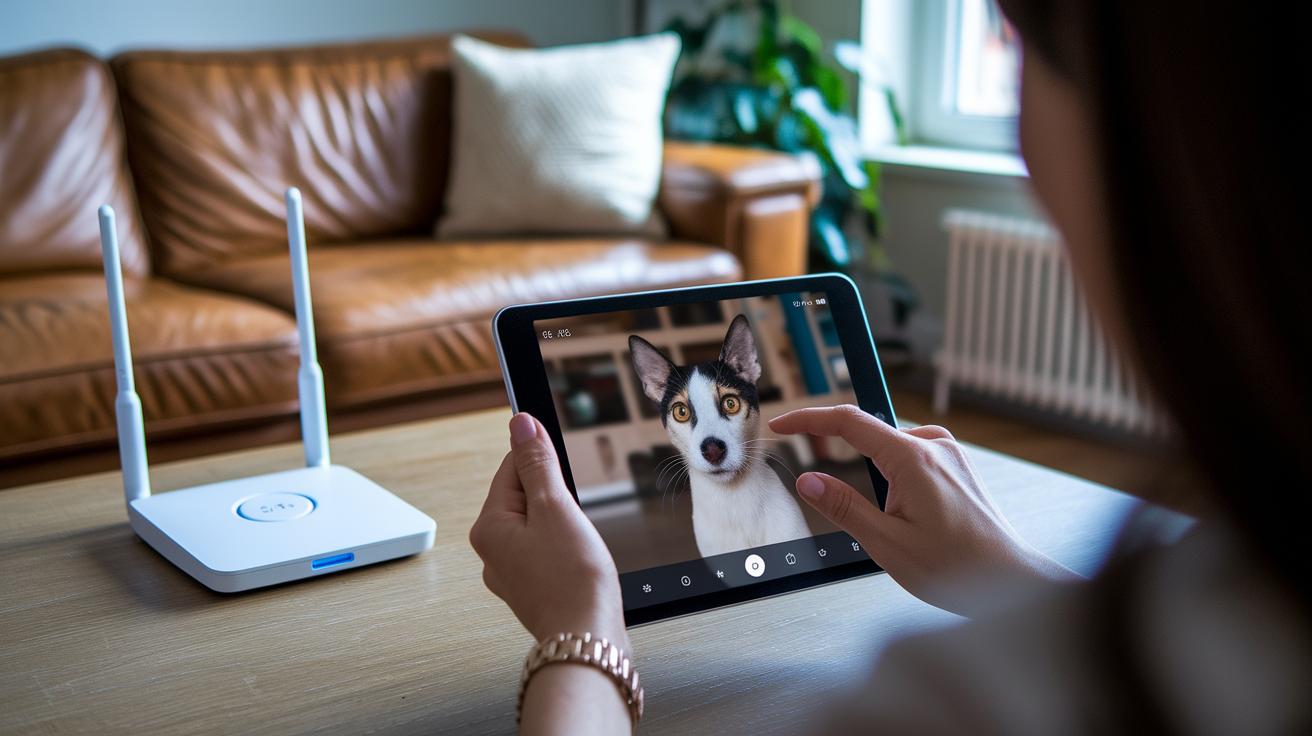
Before you install any pet tech device, check the wireless standard it uses. Most devices work with Wi-Fi or Bluetooth, while some newer models use Matter (v1.5 or later, which means a new standard that helps gadgets talk to each other easily). For example, if your pet feeder only supports 2.4 GHz Wi-Fi, it might do better with an older router. Did you know some pet cameras only work on 2.4 GHz networks? This can cause issues with dual-band routers if you're not careful.
Next, open your smart home hub app, whether that's Google Home, Alexa, or Apple HomeKit, and make sure your device shows up. If your pet camera or smart door doesn’t appear, double-check the firmware and network settings to fix the issue.
You can also improve your network by tweaking a few settings. Set up Quality of Service (QoS) rules to give priority to important devices. Assign each critical device a fixed IP address and adjust settings to avoid interference. This will help you avoid a crowded network and overlapping signals.
Key compatibility checks include:
- Checking supported protocols: Wi-Fi, Bluetooth LE, Zigbee, Thread, or Matter
- Confirming the device appears in your home automation app
- Adjusting network settings like QoS, fixed IP assignments, and interference avoidance
Recommended Pet Tech Devices for Smart Home Integration

Smart pet feeders are a great help for busy pet owners. They serve meals at set times and control portions so your pet never overeats. You can easily set meal times from your phone, much like setting your coffee maker for the morning. The feeder connects with your smart home system, making meal times smooth and reliable.
Pet cameras let you keep an eye on your furry friend at any time. They stream live HD video and offer two-way audio so you can talk to your pet or even toss a treat on command. Quick motion alerts let you know when your pet is up to something unusual, like jumping on the couch. One tester even said it felt like having a front-row seat to a live comedy show.
GPS collars and trackers boost your pet’s safety by giving real-time location updates. They send alerts if your pet leaves a designated area and some even include an SOS button for emergencies. When shopping for these devices, check things like tracking accuracy and battery life. For example, a GPS tracker that works with a smart pet door helps manage entry and exit points for extra safety.
Smart collars complete the lineup by tracking activity and health, such as steps and rest periods. They sync with fitness dashboards to offer clear insights, functioning much like a human wearable but made just for pets. This tool is perfect for active pets or for keeping an eye on changes in behavior.
Key recommendations for smart home integration include:
- Automated scheduled feeding
- Continuous live pet monitoring
- Reliable safety alerts for location changes
- Health and activity tracking
Together, these devices create a connected pet care system that streamlines daily routines while keeping your pet safe.
Automating Pet Monitoring and Feeding in Your Smart Home
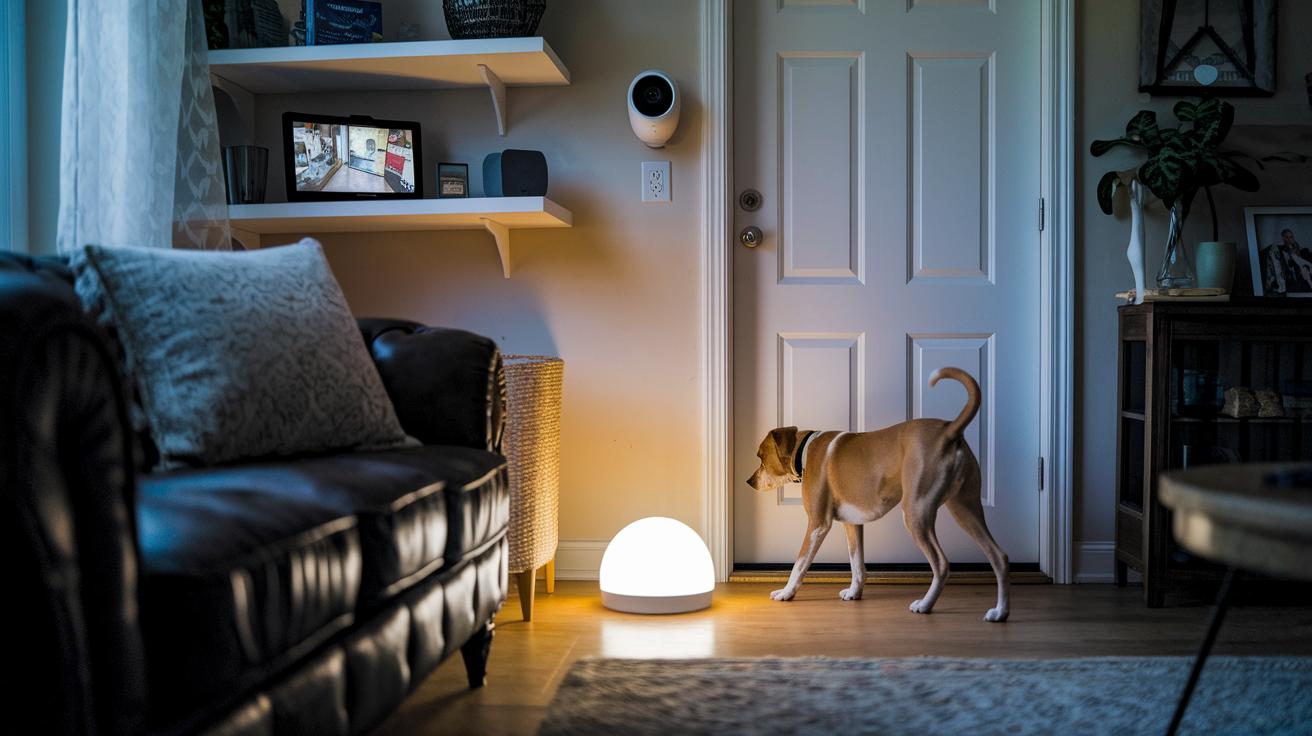
Set up routines that work like clockwork. For example, you can have your pet camera start recording as soon as the motion sensor by the pet door detects movement. If Fido gets playful, the camera instantly catches his antics.
Link your pet cams to voice commands for extra ease. You might say, "Alexa, show me Fido," to see a live feed, or "Hey Google, dispense Bella’s breakfast" to start the feeder. You can even add details like "Alexa, start Bella’s dinner routine" to make sure she gets the right amount every time.
Bring sensors, cameras, and feeders together for a smooth setup. Use a pressure mat or door sensor that sends a phone alert when your pet moves between areas. For instance, a mat by the bowl can signal it’s Bella’s mealtime. You can also set up weight sensors in the feeder to check portions and trigger alerts if a meal is too small.
Match the lighting and temperature to your pet’s routine. Turn on brighter lights and warmer settings during play, then switch to softer, cozier settings at rest time. For example, scheduling the thermostat to adjust before your pet’s bedtime can help create a comfy sleep spot.
- Update your automation scenes regularly
- Test voice commands after setup
- Check that sensors and feeders are well-calibrated
These tips make sure your smart home keeps a close, consistent watch and offers reliable feeding without extra hassle.
Custom Environment Controls with Smart Pet Tech
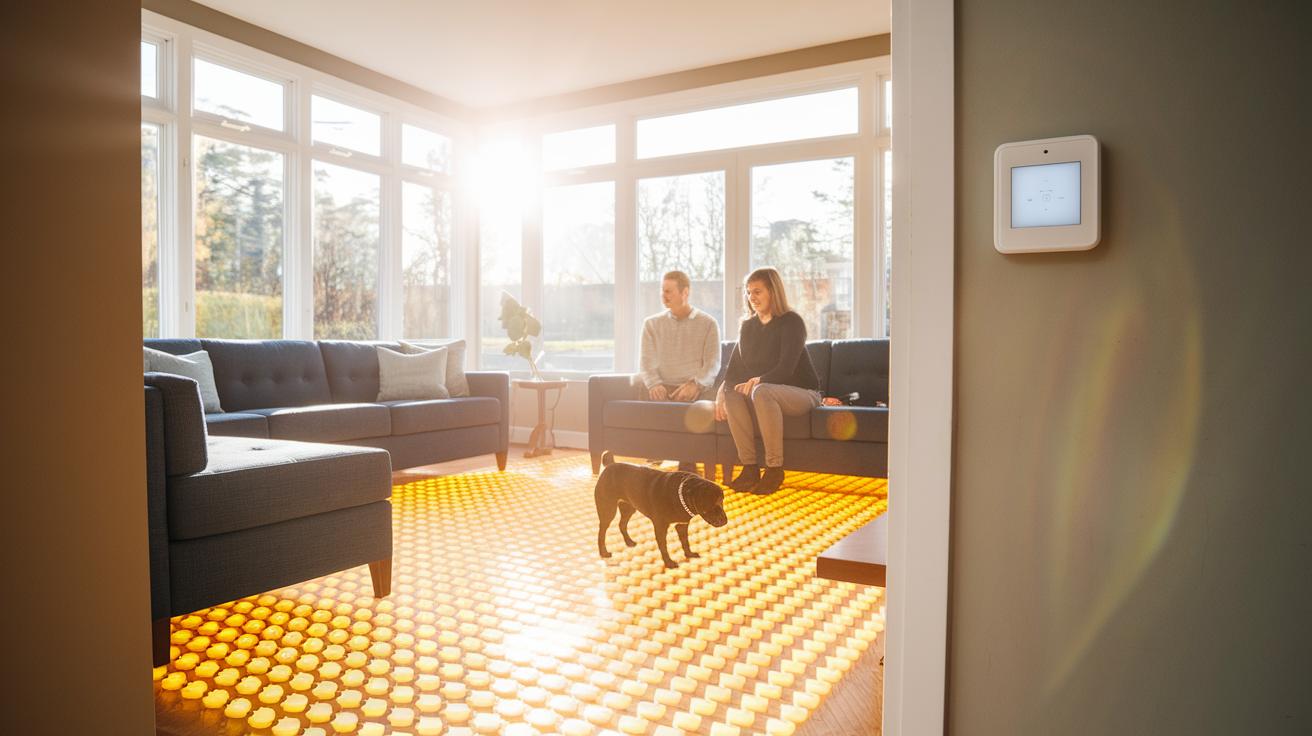
Smart thermostats let you set the right temperature for your pet. You can program them to warm up a spot, like a heated floor for an older dog, on chilly mornings. This steady heat keeps your pet comfy and helps avoid problems from rapid temperature swings.
Smart vents and fans work with sensors that check humidity levels. When extra moisture is found, the fan turns on by itself. It works much like a dehumidifier (a machine that removes extra water from the air) to keep small-animal homes dry and free of mold.
Automated pet lighting is another smart trick. It can mimic a natural sunrise in the morning to gently wake up your pet and a sunset in the evening to signal bedtime. This helps reduce stress for pets like cats and birds who thrive on routine.
Lastly, use energy-saving modes when your pet is not around. You can schedule the system to shut off heat lamps or pause heated beds during these times. This smart step cuts energy costs while ensuring your pet’s space is ready and cozy when you return.
Troubleshooting Pet Tech Integration in Smart Home Systems

If your pet tech gadgets aren’t working right, first check your network and device connections. Sometimes, Wi-Fi drops, app mix-ups, or devices with the same name can make them ignore your voice commands or automation rules. A simple restart of your smart home hub and router can clear temporary glitches that may be causing issues.
For devices that still act up, a factory reset can help. Resetting brings the gadget back to its original settings and fixes misconfigurations that might be causing app conflicts. After resetting, update the device firmware using the manufacturer app because updates often fix known problems and improve stability.
You can also boost performance by optimizing your network. Setting up static IP addresses for your pet devices helps them keep the same connection every time. Turning on Quality of Service (QoS) on your router gives more internet speed to these key devices. If you have a large home or dead spots, try adding mesh nodes to keep a strong signal throughout.
- Restart your hub and router
- Factory reset any stubborn devices
- Update firmware via the manufacturer app
- Set up static IPs and enable QoS
- Add mesh nodes to extend network coverage
Test your voice commands and automation triggers after each change to make sure everything is working as it should.
Real-World Smart Home and Pet Tech Integration Examples
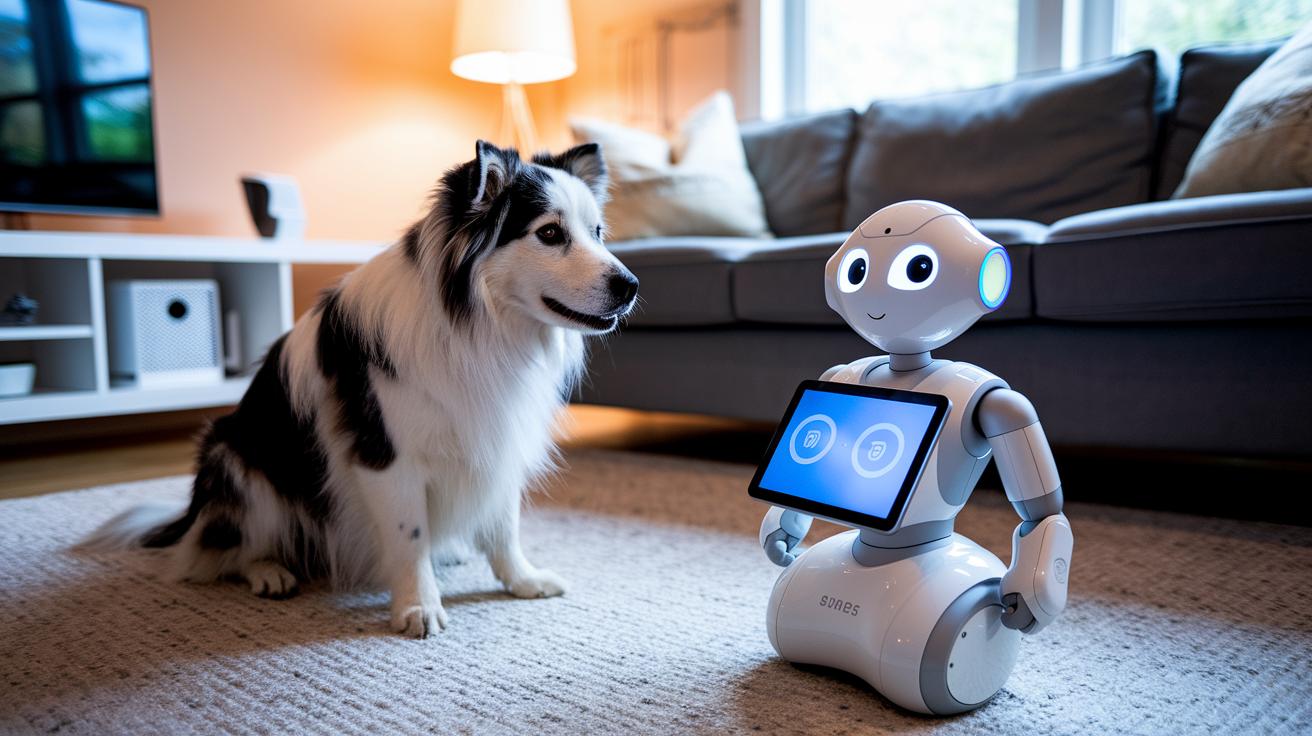
Smart robot pets now do a lot more than just keep an eye on your home. They work as moving cameras, security sensors, and even boost your WiFi signal. Using AI vision, they see at your pet's level and use SLAM mapping (a way to create a map of your surroundings) to spot dangers like smoke or carbon monoxide. For instance, one robot pet might send you an alert if it notices odd movement near the pet door during quiet hours.
A big win with these devices is personalization. They can use biometric recognition (knowing your pet by its face) to adjust your home settings on the fly. Picture this: as your pet nears its feeding station, the lights change or your favorite tune starts playing. One user even mentioned that it felt like their home was set to pet party mode.
Privacy is also taken seriously. With local edge processing, video data stays on the device and isn’t sent to the cloud. Plus, you can use physical shutters and set up "No-Go Zones" to control where cameras can see. This keeps your private spaces safe while still letting you monitor your pet closely.
Everyday tasks become easier too. The pet door might lock automatically after feeding, you'll get a warning if the cat litter gets too moist, or a robot pet might even strengthen your WiFi in the backyard. These real-life examples show how combining pet tech with smart home systems makes your space more interactive, secure, and responsive for your furry friend.
Final Words
In the action, we explored a step-by-step guide on setting up pet tech in your smart home. We tackled device compatibility, automation routines, and network tweaks that ensure reliable pet monitoring and feeding. We even shared troubleshooting tips and real-world examples for common issues. This guide aims to make it easy for you to see how to integrate pet tech with smart home systems safely while keeping your pet's needs front and center. Enjoy building your smart, pet-friendly environment and watch your pet thrive.
FAQ
Frequently Asked Questions
How do I integrate pet tech with my smart home?
Integrating pet tech with your smart home means connecting pet devices like feeders, cameras, and trackers to your Wi-Fi and adding them to your smart hub, then setting up automation routines.
What should I check for pet tech device compatibility?
Checking pet tech compatibility involves confirming each device’s wireless protocol (like 2.4 GHz, Bluetooth) and ensuring it works with your smart hub apps such as Google Home or Alexa.
What are some recommended pet tech devices for smart home setups?
Recommended pet tech includes smart feeders for scheduled meals, pet cameras with live HD video and two-way audio, and GPS collars that offer real-time tracking and safety alerts.
How can I automate pet monitoring and feeding in my smart home?
Automating pet monitoring and feeding means setting up routines that trigger cameras with motion sensors and scheduling feeders, plus linking these actions to voice commands on smart assistants.
How do smart devices improve pet habitat control?
Smart devices improve pet habitat control by integrating thermostats, smart vents, and pet-friendly lighting to maintain optimal temperatures and reduce stress with light cycles matching your pet’s routine.
What steps should I take if pet tech devices have integration issues?
If integration issues arise, restart your smart hub and router, update firmware, assign static IPs, and optimize network settings like QoS to keep your pet devices connected reliably.
Are there real-life examples of smart home and pet tech integration?
Real-life examples include Matter-enabled robot pets that serve as cameras and Wi-Fi boosters, along with custom routines like auto-locking pet doors and sending alerts for unusual activity.